Google Pay
 Riyad Bank App
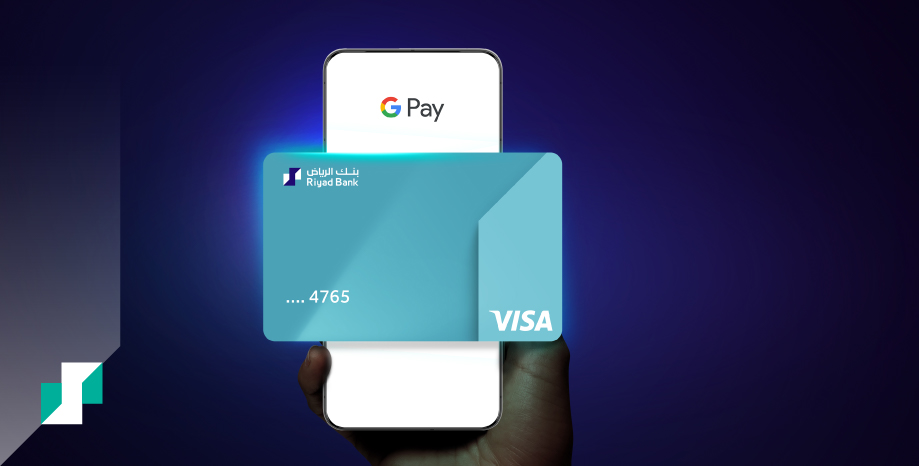

Google Pay
Tap to pay with Google Pay!

About offer
Google Pay is fast and secure way to pay on the go. Simply add your Riyad Bank card to Google Wallet and enjoy ways, contactless payments anytime, anywhere.
Getting started is simple:
- Open the Google Wallet app or download it on Google Play.
- Tap ‘Add to Wallet’ and follow the instructions.
- Take a picture of your card or enter the card details.
- Verify your card if needed.

Most Frequently Asked Questions
- 1. What is Google Wallet?
• A digital wallet that allows you to organize all your essentials securely into a single app from cards, tickets, passes, and keys.
2. Is payment with Google Pay supported in all stores?
• Yes, Google Pay is supported wherever NFC payments are accepted.
3. Can I pay using Google Pay internationally?
• Yes, payment with Google Pay is available internationally.
4. Which devices support Google Pay?
• Google Pay is available on all Android smartphones with NFC payment support.
5. Are there any additional fees for purchases made with Google Pay?
• No, there are no additional fees when using Google Pay.
6. Is internet connection required to pay using Google Pay?
• No, Payment using Google Pay doesn’t require internet connection.
7. What should I do if my payment through Google Pay is declined?
• Make sure that the card is active and has sufficient funds, and Google Wallet app is updated to the latest version.
8. Which Cards can I add to Google Wallet?
• The service will be available to Riyad Bank cardholders gradually within September 2025
• All Riyad Bank’s Debit, Prepaid, and Credit cards can be added to Google Wallet.
9. How can I add my Riyad Bank Card to Google Wallet?
• Go to the Google Wallet app.
• Click on “Add to Wallet”.
• Click on “Payment Card” then “New credit or debit card”.
• Scan your card or enter the card details manually.
• Review and accept the terms and condition.
• You will receive an automated call to confirm adding the card.
• Enter Riyad Bank app to confirm adding the card to Google Wallet.
• Enter the one-time password (OTP) that will be sent to your phone number registered with the bank in Google Wallet.
• Once you enter your one-time password, your card will be added to Google Wallet