Almatar App


Back


Back

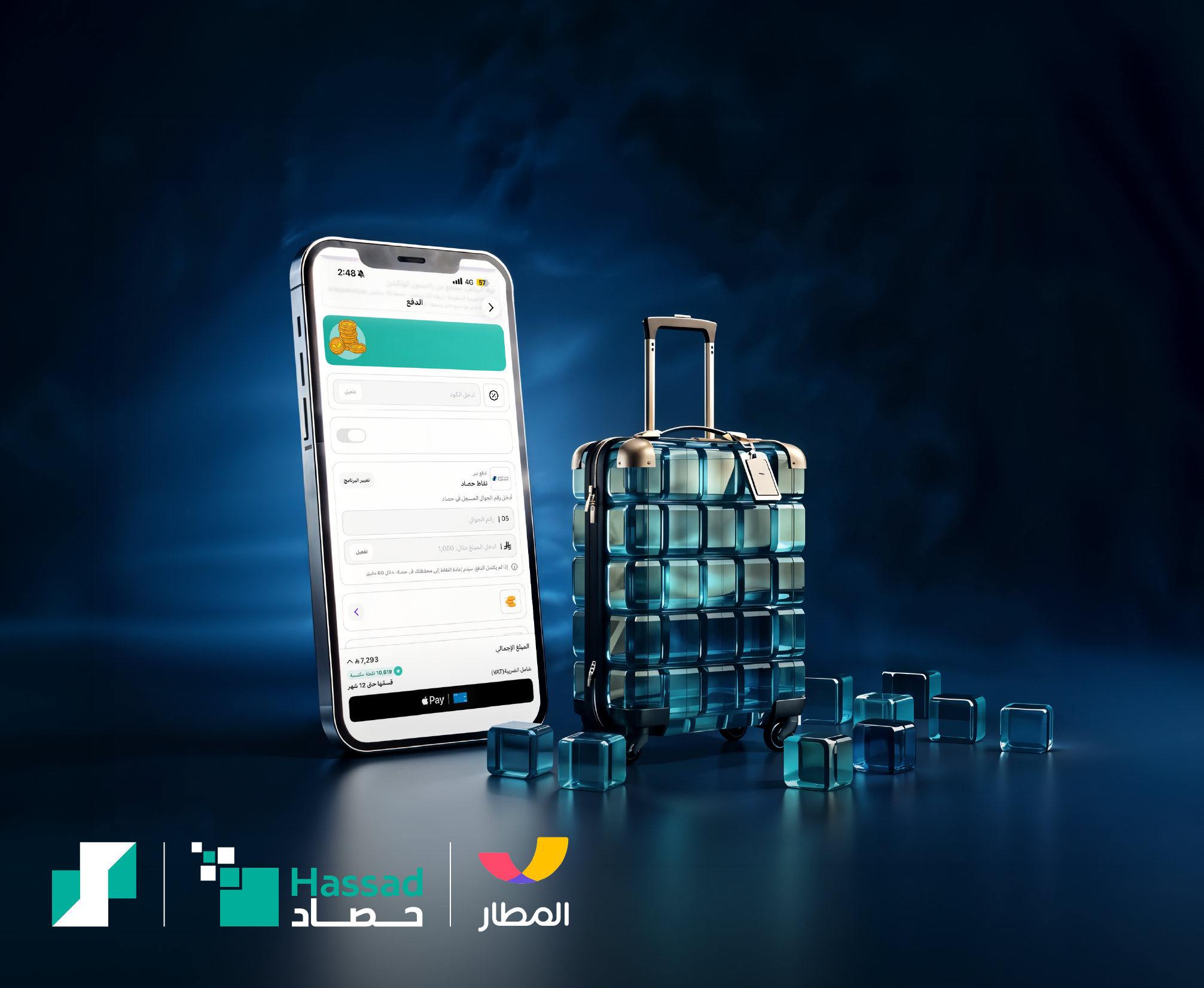
Redeem Hassad points on your bookings in Almosafar App using your number

Check our
Terms & conditions
How to Redeem Hassad Points on the Almatar App
- Open the Almatar App and log in to your account.
- Select your desired flight, hotel, or travel booking.
- Proceed to the checkout page.
- Select “Pay with Loyalty Points.”
- Choose “Hassad Points.”
- Enter your registered mobile number.
- Enter the amount you wish to redeem.
- Enter the OTP verification code sent to your mobile number via SMS.
- Your Hassad Points will be redeemed successfully, and the redeemed amount will be deducted from your booking total.
- For further inquiries, please contact 8001242225
- Hassad Terms and conditions that are stated in Riyad Bank’s mobile app and website apply.
Read more

Show less
Banking Made Easy for You
Let us simplify your financial life
Join Riyad Bank for secure, seamless, and stress-free banking. Take the first step today.
Need help?
Riyad Line: 800 124 2225


